Build WebGPU Apps Today with PlayCanvas
· 3 min read

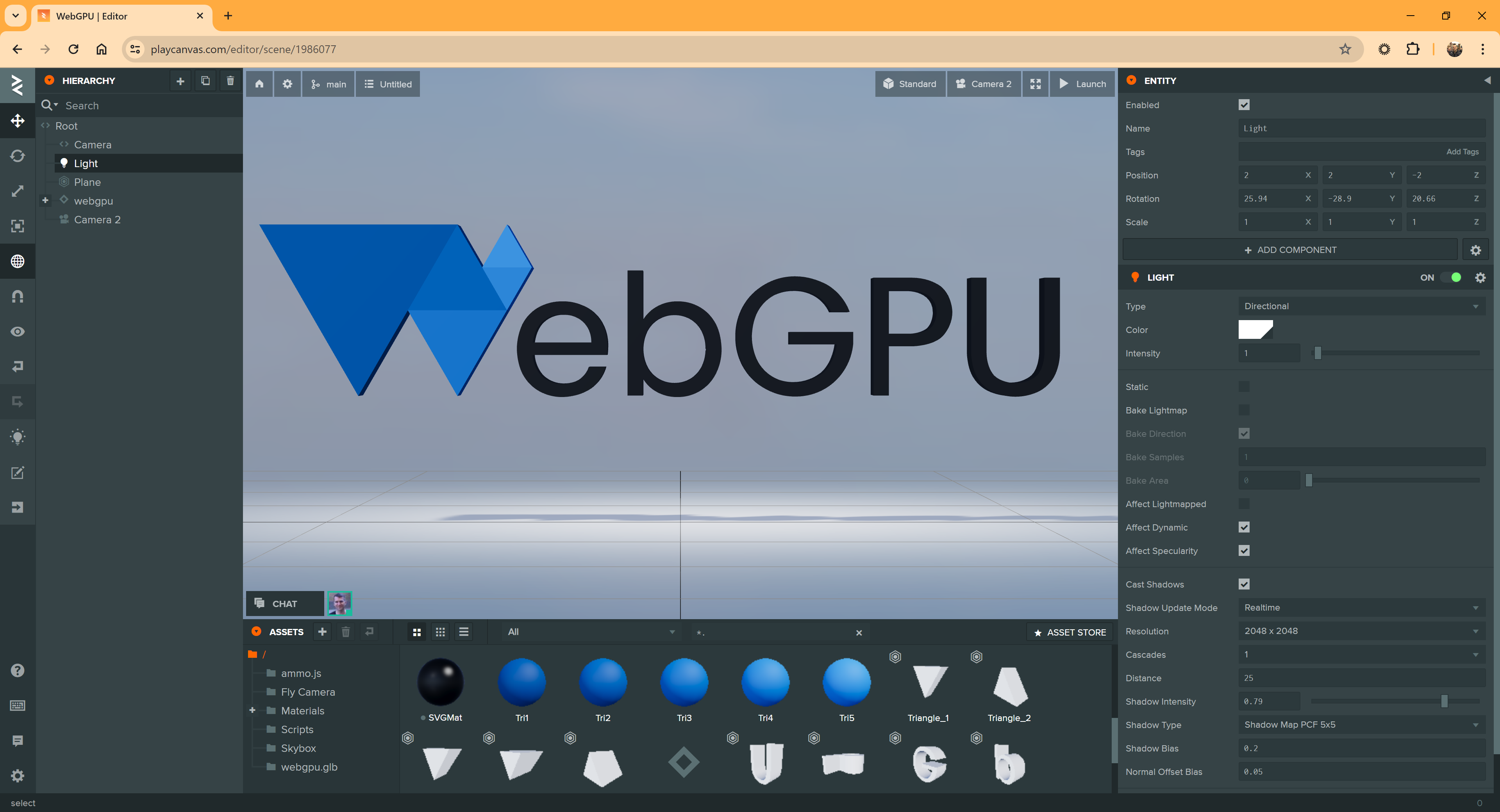
It's here! 🥳 Today, we're excited to announce that WebGPU support has officially arrived in the PlayCanvas Editor.
Will Eastcott is an entrepreneur and veteran technologist of the games industry with experience at EA, Sony, and Activision. He has been credited in many AAA game franchises such as GTA, Call of Duty and Max Payne. He is best known for co-founding PlayCanvas, the web graphics creation platform. As CEO, he has championed the company's mission to make graphical web app development more accessible and collaborative through open-source technologies and cloud-based tools.
View all authorsIt's here! 🥳 Today, we're excited to announce that WebGPU support has officially arrived in the PlayCanvas Editor.

Visual Studio Code is massively popular. In the Stack Overflow 2023 Developer Survey, Visual Studio Code was ranked the most popular developer environment tool among 86,544 respondents, with 73.71% reporting that they use it.
Any PlayCanvas developer building directly on top of the Engine will very likely opt to use VS Code. But if you use the PlayCanvas Editor, you will normally rely on the built-in, browser-based Code Editor. Today, we're excited to give you another option by launching an open-source Visual Studio Code Extension for PlayCanvas.
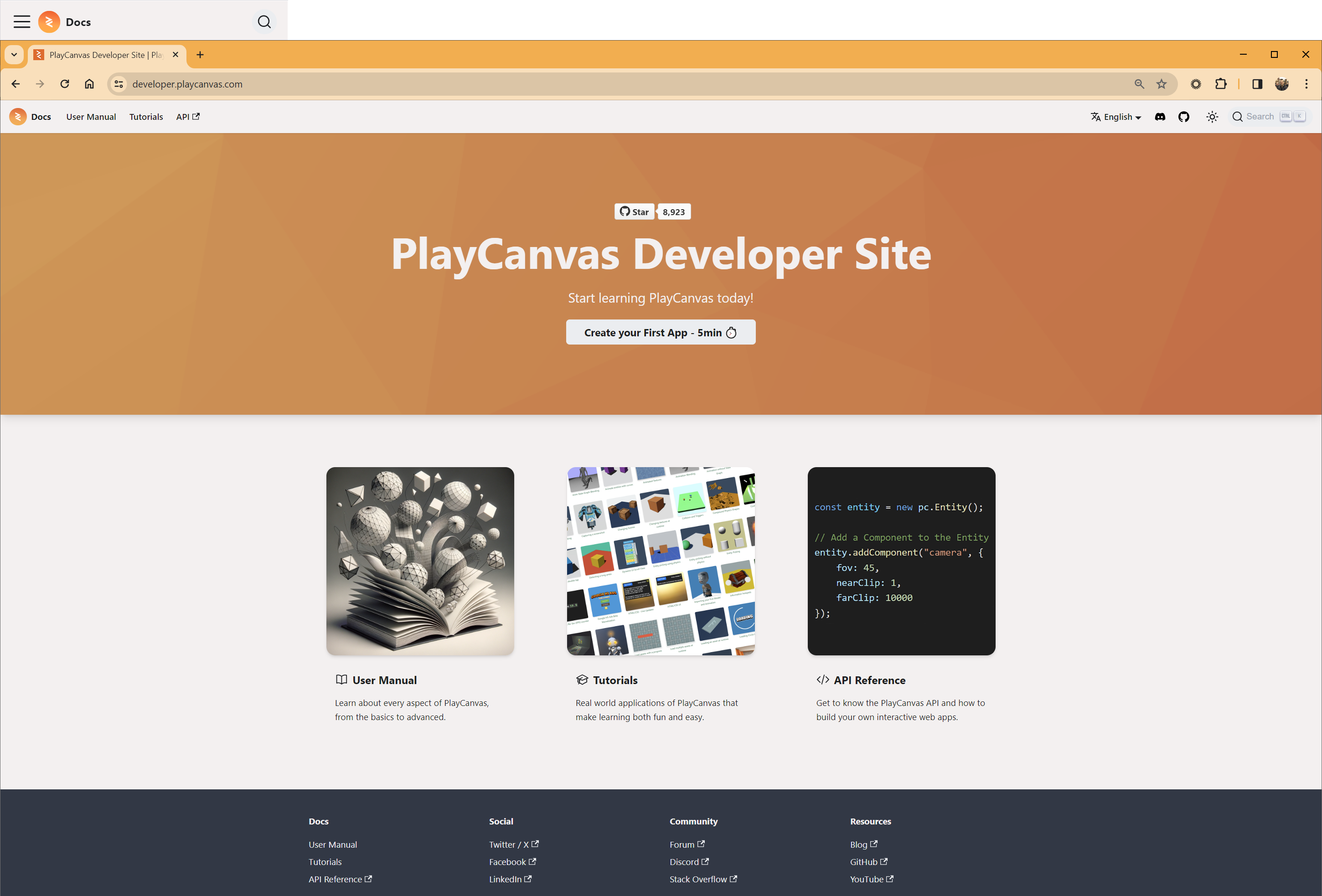
Today, we are excited to announce the brand new PlayCanvas Developer Site and API Reference Manual!
Let's start by taking a look at the new Developer Site, home of the PlayCanvas User Manual and Tutorials.
We're thrilled to announce the launch of the open source glTF Viewer 4.0, an update that supercharges your 3D model viewing experience with powerful features and support for the latest web technologies!
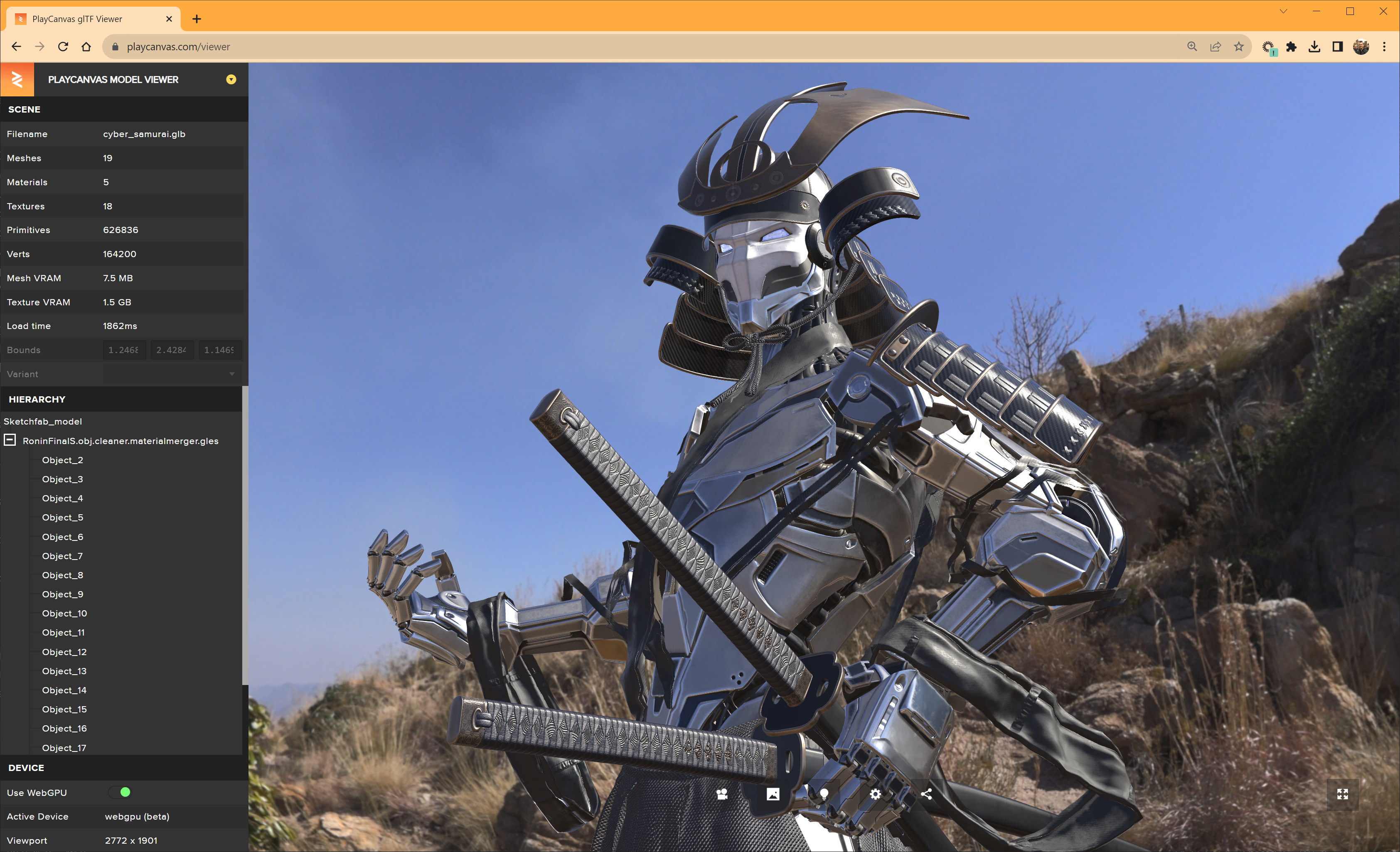
"Cyber Samurai" by KhoaMinh is licensed under CC BY 4.0.
This new release is chock-full with enhancements aimed at providing more realistic, insightful, and versatile viewing options for your glTF files. Let's dive into the headline features of glTF Viewer 4.0.
Today, we're excited to announce the integration of Sketchfab into the PlayCanvas Editor!
"Spartan Armour" by McCarthy3D is licensed under CC BY 4.0.
With today's launch you'll have instant access to Sketchfab's enormous library of high quality 3D content right inside the Editor.
Welcome to the new PlayCanvas blog! 😎

We have made the decision to move from WordPress to Jekyll and although it's early days, so far, we are very pleased with the results. Therefore, we thought it might be useful to explain the reasons why we did this and describe the process we followed.
The PlayCanvas Asset Store is the first place that users tend to go to find content for their projects. This is especially true for new users who want to get started as quickly as possible. Up until now, the Store has not been particularly easy to use and the content has not changed in quite a long time. In short, a complete overhaul and refresh has been long overdue. So today, we are incredibly excited to announce a major upgrade for the PlayCanvas Asset Store!
First up, check out a little example of building a city scene using content taken from the Asset Store. A skybox, a pack of 3D city block meshes and a camera control script are imported and the city is built via drag and drop. And not one single line of code is needed!
Now, let's examine some of the key highlights that make the new Asset Store so special.
We are thrilled to announce the immediate availability of Draco Mesh Compression in the PlayCanvas Editor! Our latest feature allows developers to compress meshes using Google's Draco technology, reducing file sizes and enhancing the end-user experience.
We are excited to announce a major update for the PlayCanvas Editor: glTF 2.0 import. This new feature allows users to easily import and use 3D models created in other applications such as Blender and SketchUp, as well as from digital asset stores like Sketchfab, directly into the PlayCanvas Editor.
Model by Loïc Norgeot and mosquito scan by Geoffrey Marchal for Sketchfab licensed under CC BY 4.0
Author: Sketchfab License: CC-BY-4.0 Source: Mosquito in Amber
PCUI is the open source, front-end framework for building amazing web-based tools like the PlayCanvas Editor, glTF Viewer, Texture Tool and more!
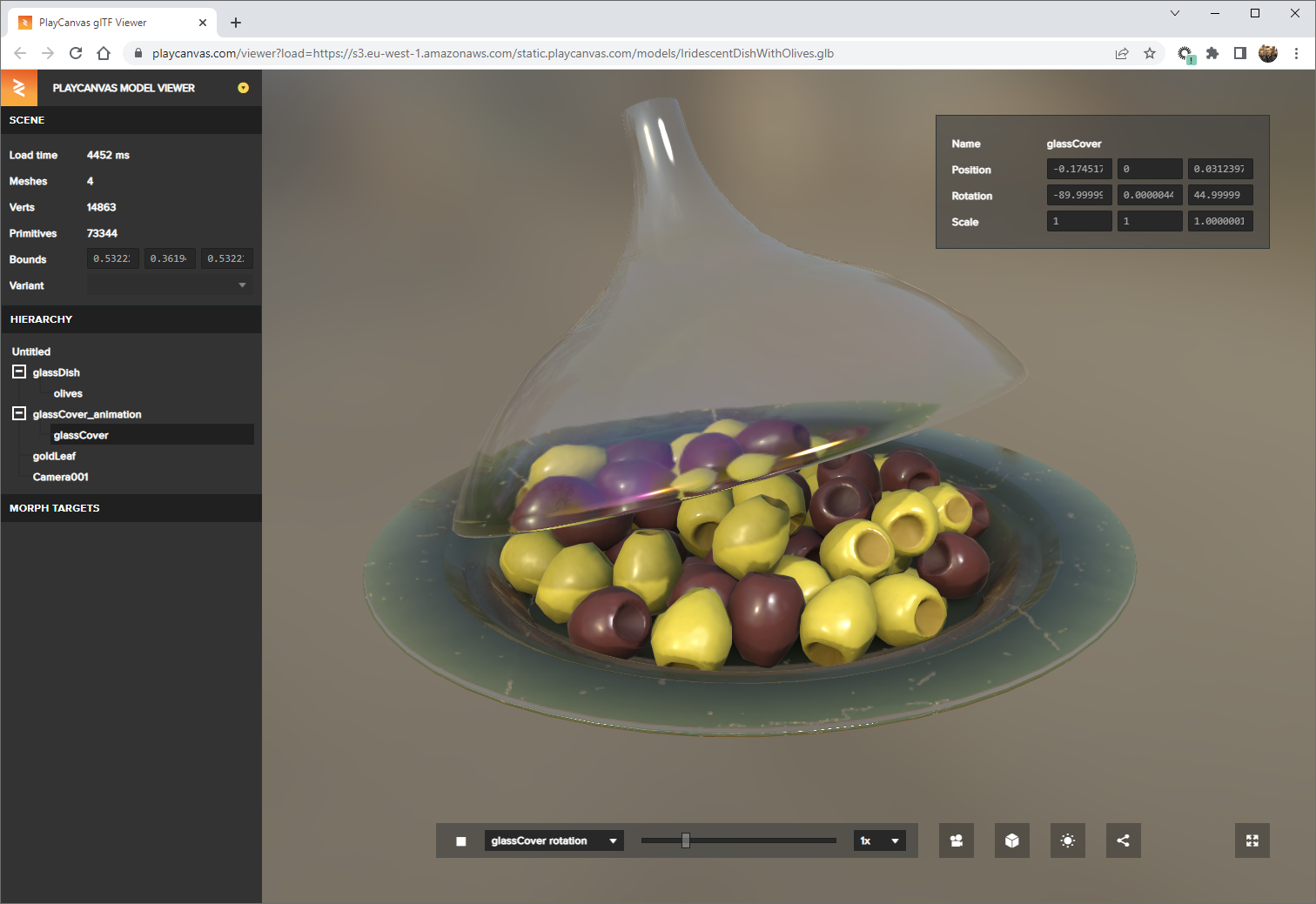
Today, we are excited to announce the release of PCUI version 2.10.0! This new release includes a number of significant updates and improvements that will make building web tools with PCUI even easier and more efficient.